 Cold Brew
Keep your Mac wide awake.
Cold Brew keeps your Mac awake with one switch in the menu bar. Pick how long, see the time left, and add more with a click.

Coming soon · $2.99 · macOS 14 or later

Clean and minimal
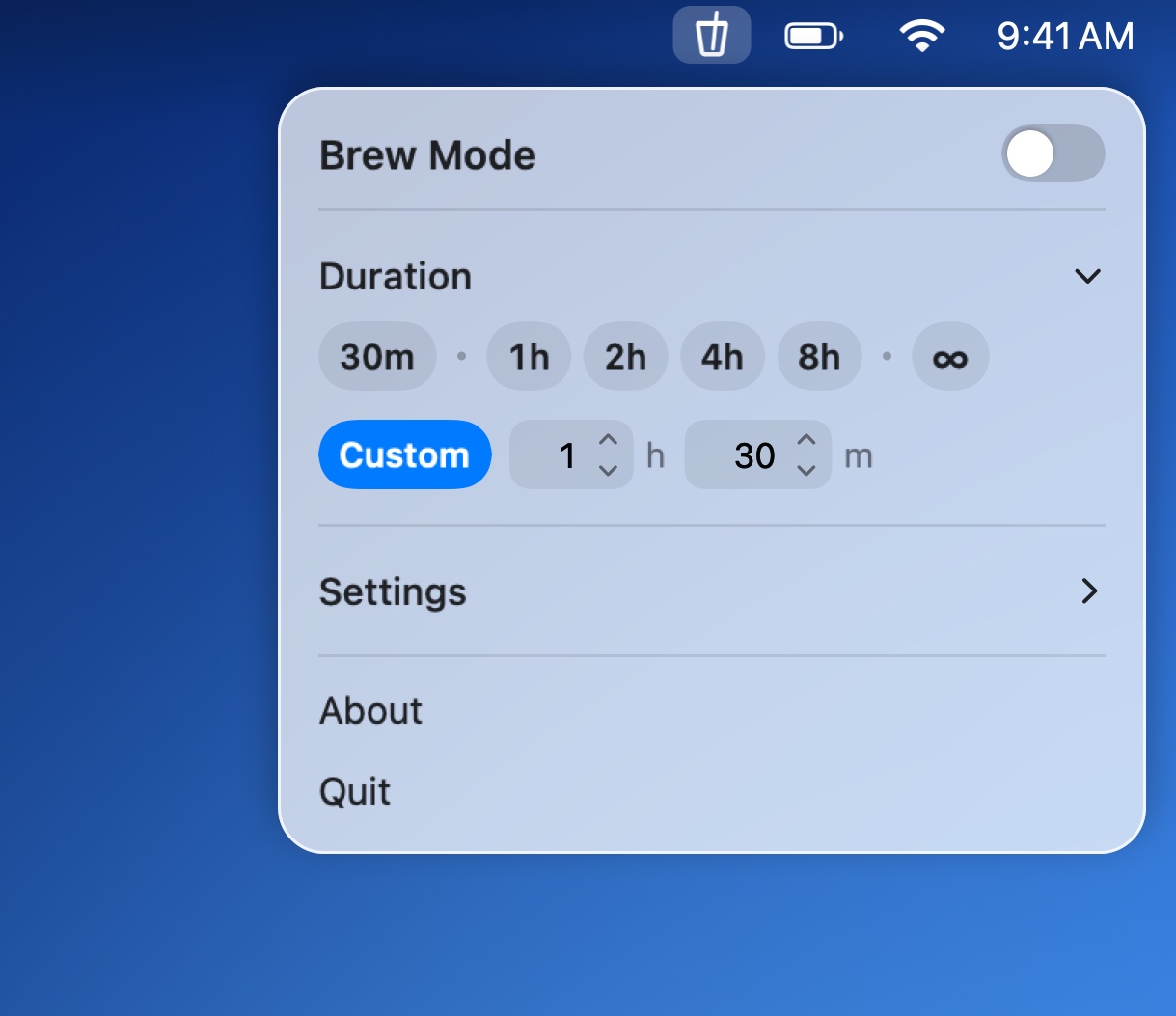
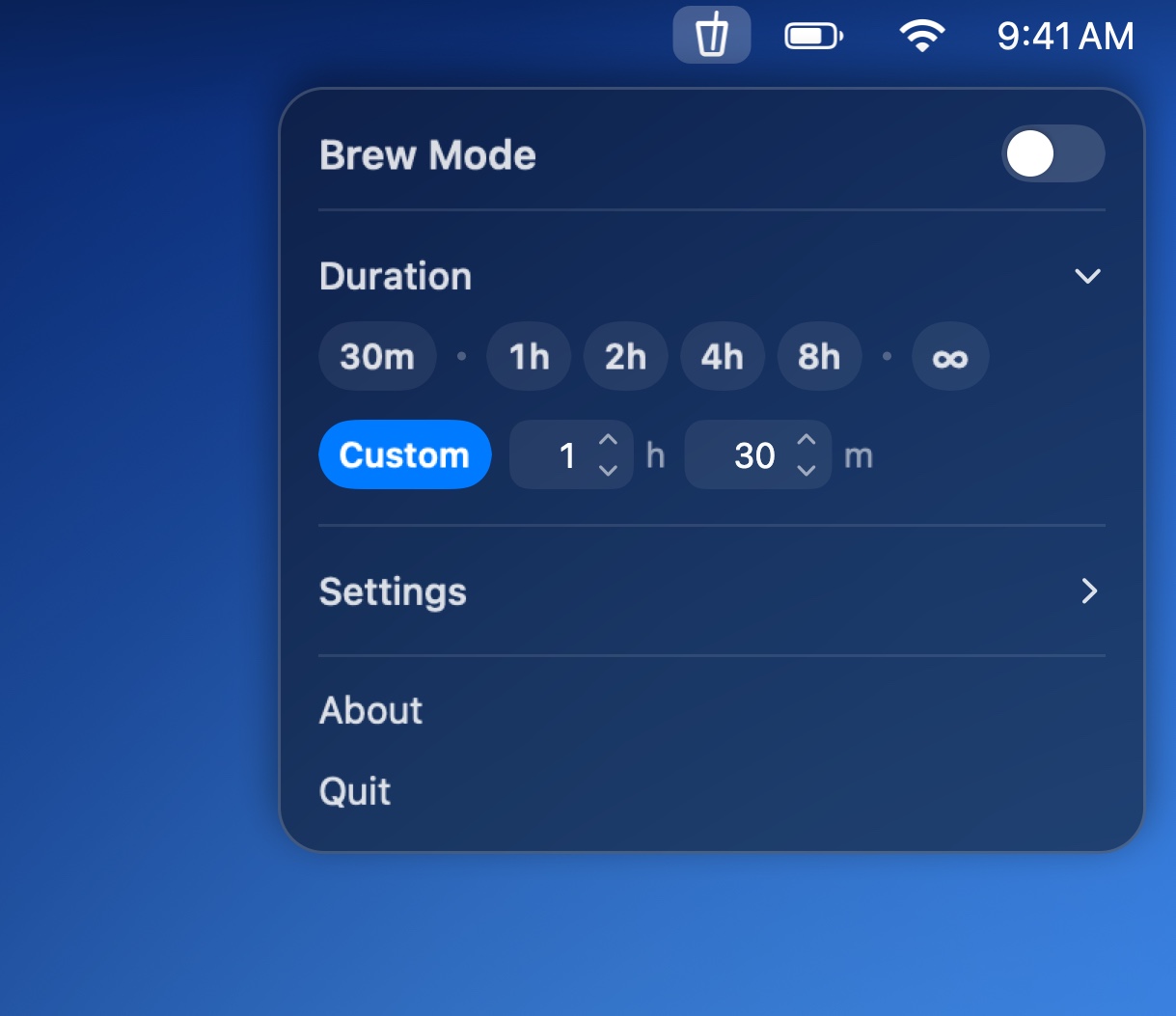
Everything Cold Brew does fits in one small panel under its cup in the menu bar. It's made for Liquid Glass on macOS 26, follows light and dark mode, and stays out of your Dock.
Small app, strong brew
Just what you need to keep your Mac awake, and nothing in your way.
One switch
Brew Mode starts the time you picked last. See how long is left, and add 15 minutes or an hour with a click.
As long as you need
30 minutes to 8 hours, a time of your own, or no limit at all.
Made to fit you
A countdown in the menu bar, a keyboard shortcut, and Brew Mode that turns on when you plug in.
Light and private
No data collected, and nothing left running when you quit. Script it with coldbrew:// links.

Get Cold Brew
$2.99, once. No subscription. For macOS 14 or later, on Apple silicon and Intel Macs.
Coming soon